


Great reasons to buy from us:
-

30-Day Money-Back Guarantee
Changed your mind? Ordered the wrong thing? Simply return your item for a prompt exchange or refund. -

Free Shipping Over $70
Enjoy free shipping when you spend over $70 -

Secure Checkout
SSL Protected Checkout & Strongly Secure for Payments -

Fast Handling
Every order is a priority to us. We handle your order quickly to ensure you get your product fast.


SPECIFICATIONS
Brand Name: rctosky
For Vehicle Type: Airplanes
Four-wheel Drive Attributes: Assemblage
High-concerned chemical: None
Is Batteries Included: No
Is Electric: No battery
Is it battery/power supply: N
Is it charger/adapter: N
Material: Composite Material
Model Number: ESP32-Drone V2.0
Origin: Mainland China
Quantity: 1 pcs
RC Parts & Accs: AXLE
Recommend Age: 14+y
Remote Control Peripherals/Devices: Remote Controller
Size: ESP32-Drone V2.0
Technical parameters: KV1100
Tool Supplies: Assembled class
Upgrade Parts/Accessories: Frame
Use: Vehicles & Remote Control Toys
Wheelbase: Bottom Plate
NOTE: Network hotspot: ESP-Drone_XXXXXX
Password: 12345678
Battery:1S 3.7V 300-800ma (The supply voltage cannot exceed 4.2V)
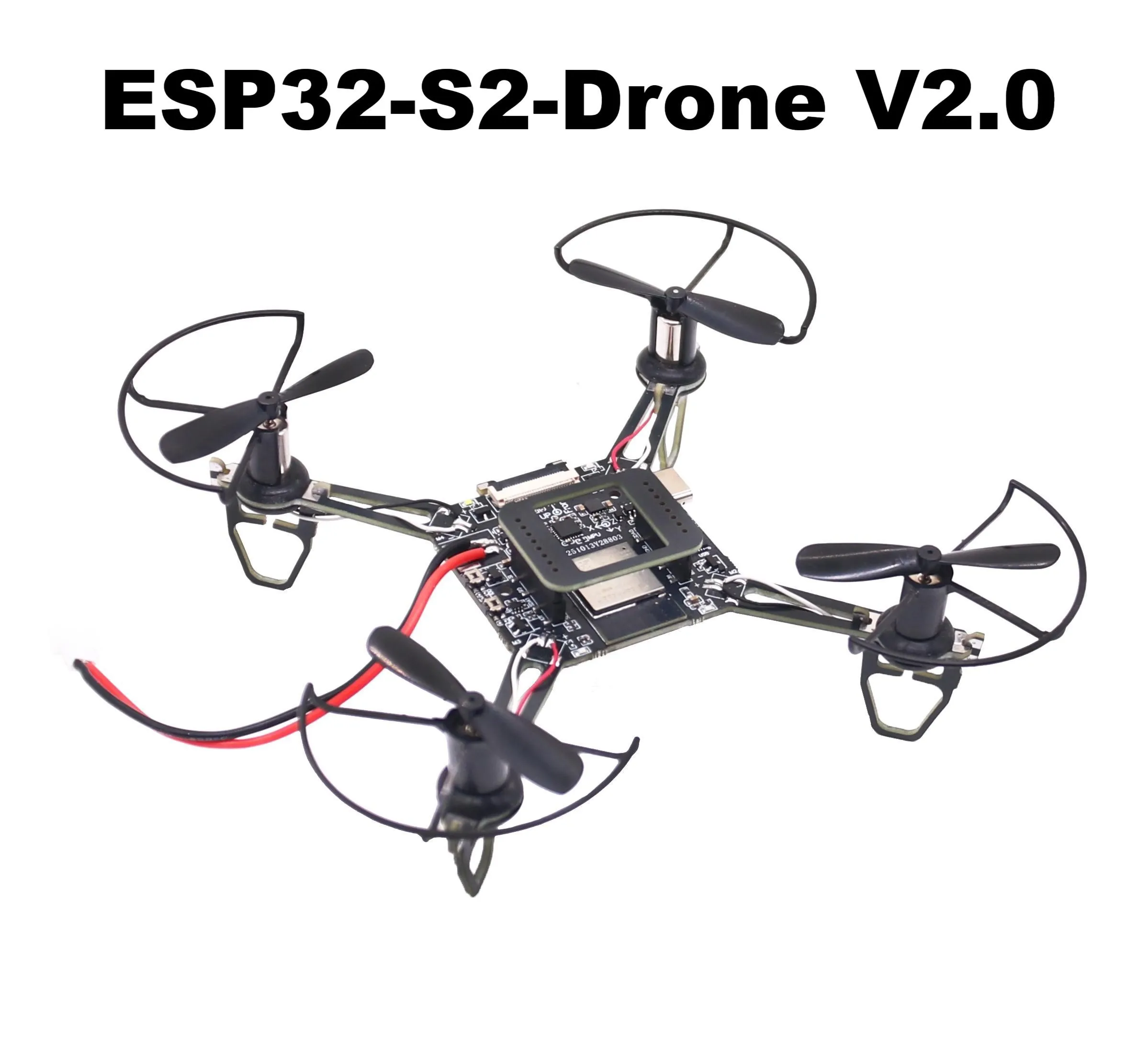
ESP-Drone is an open source drone solution based on Espressif ESP32-S2 Wi-Fi chip, which can be controlled over a Wi-Fi network using a mobile APP or gamepad. ESP-Drone supports multiple flight modes, including Stabilize mode, Height-hold mode, and Position-hold mode. With simple hardware, clear and extensible code architecture, ESP-Drone can be used in STEAM education and other fields. The main code is ported from Crazyflie open source project with GPL3.0 protocol.
We had upload the firmware for ESP32-S2-Drone V2.0, you no need to upload firmware, just install the motor and propeller correctly, then you can control the ESP32-S2-Drone with your mobile phone.Please read the instructions here,https://docs.espressif.com/projects/espressif-esp-drone/en/latest/gettingstarted.html#esp-drone-overview
Main Features ESP-Drone has the following
features:Hardware:ESP32-S2-Drone V2.0
Stabilize mode: keep the drone stable to achieve smooth flight.
Height-hold mode: control thrust output to keep the drone flying at a fixed height.
Position-hold mode: keep the drone flying at a fixed position.
PC debugging: use cfclient for static/dynamic debugging.
Controlled by APP: easily controlled over Wi-Fi by your mobile APP.
Controlled by gamepad: easily controlled via the gamepad by cfclient.
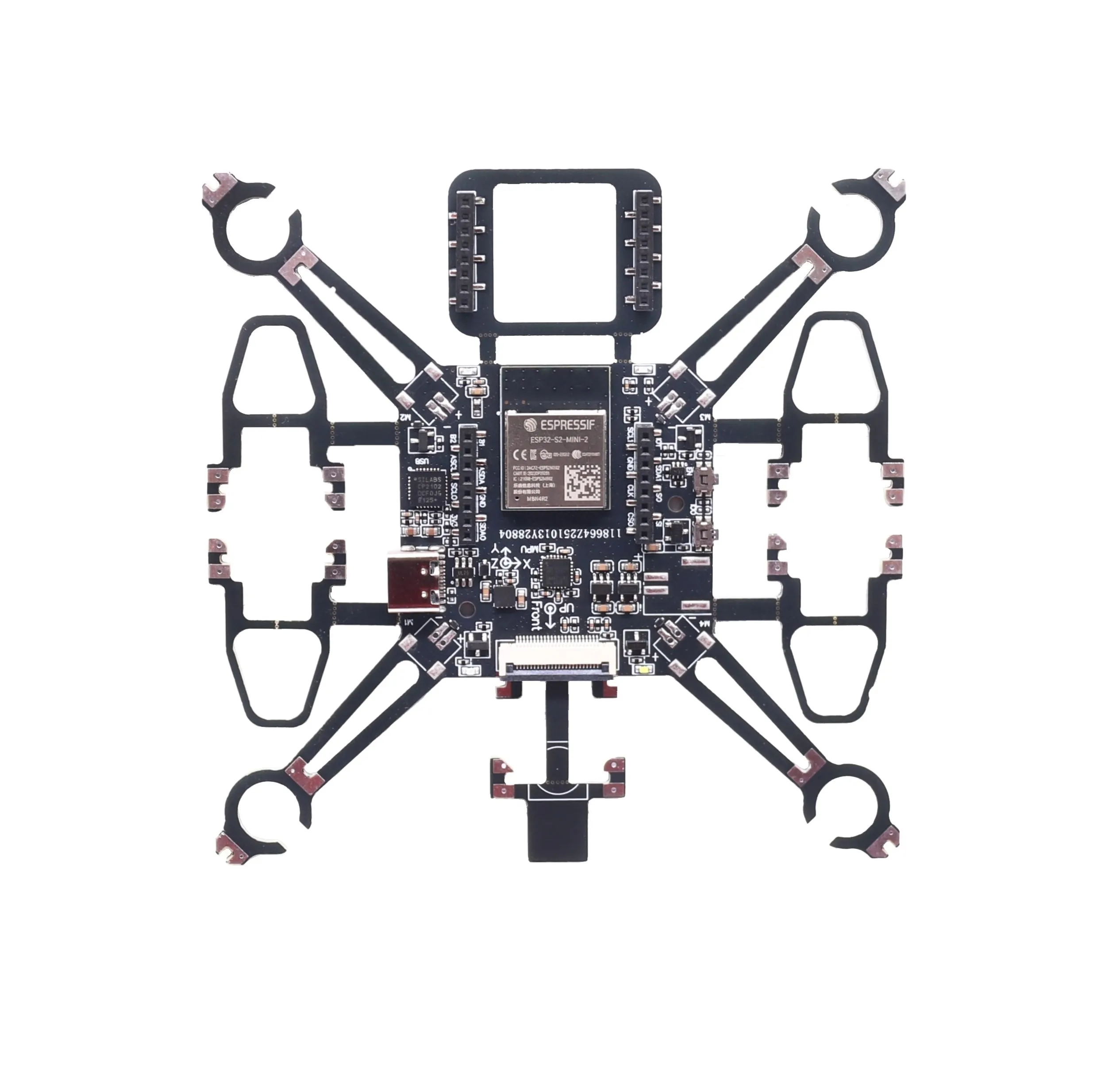
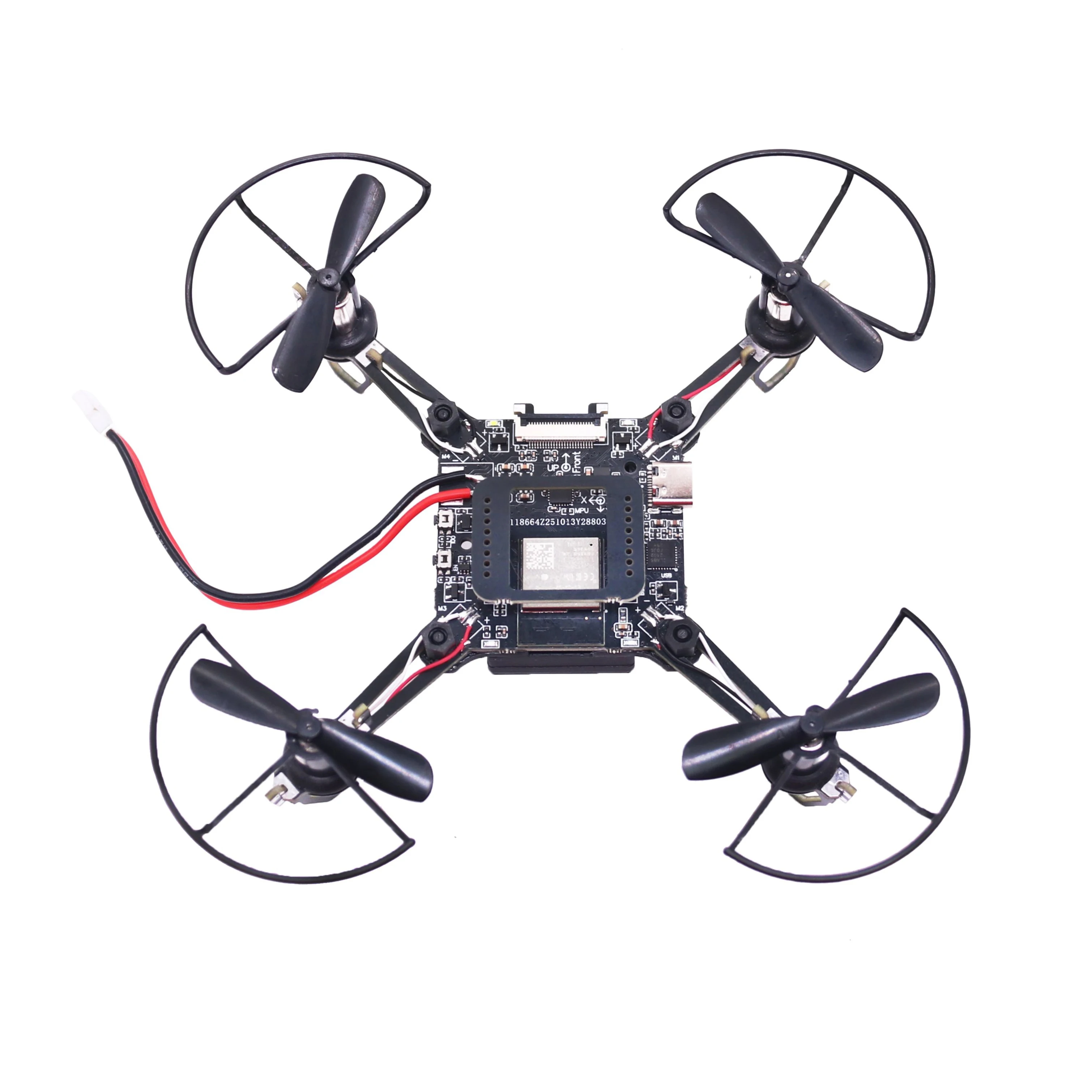
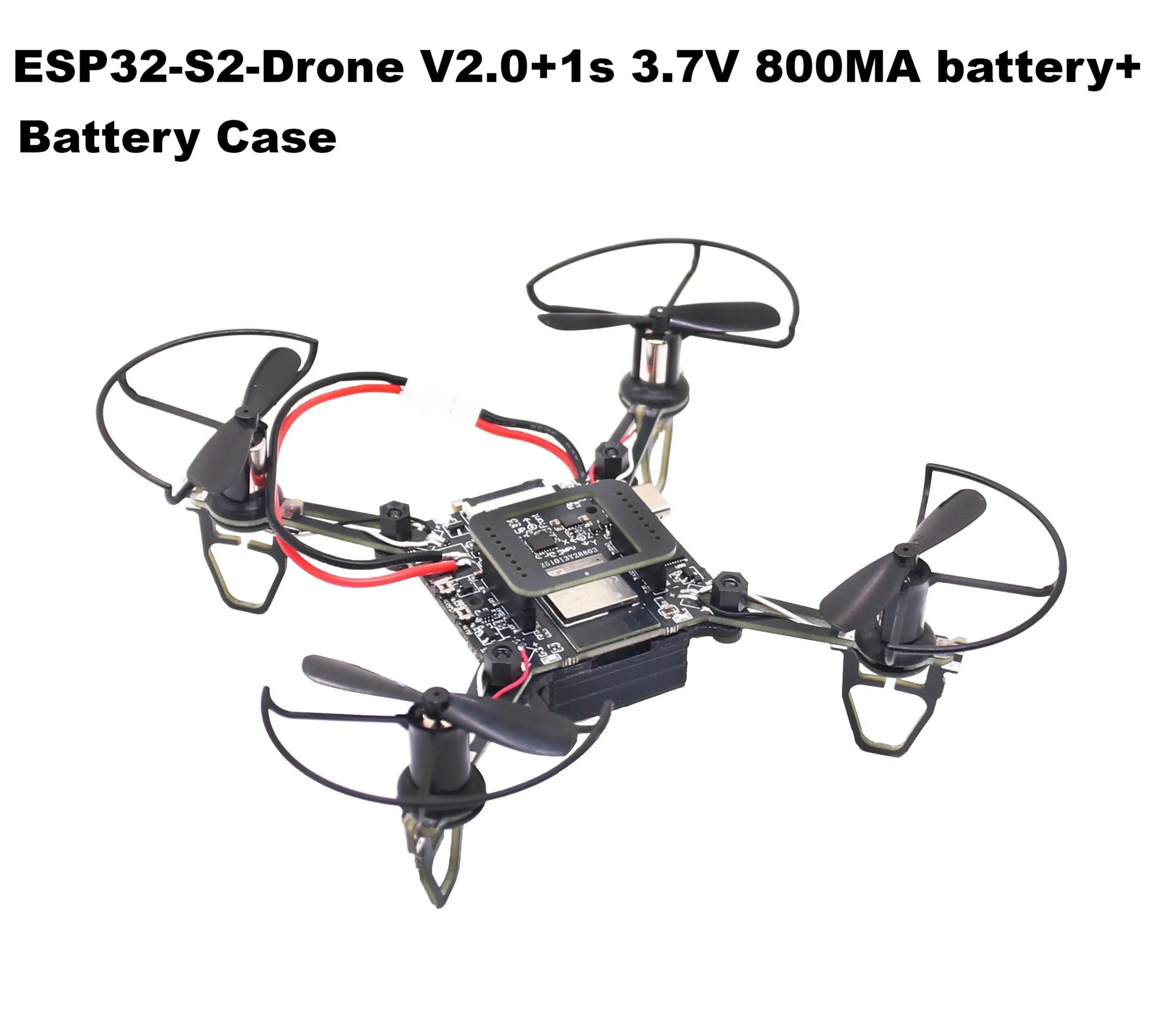
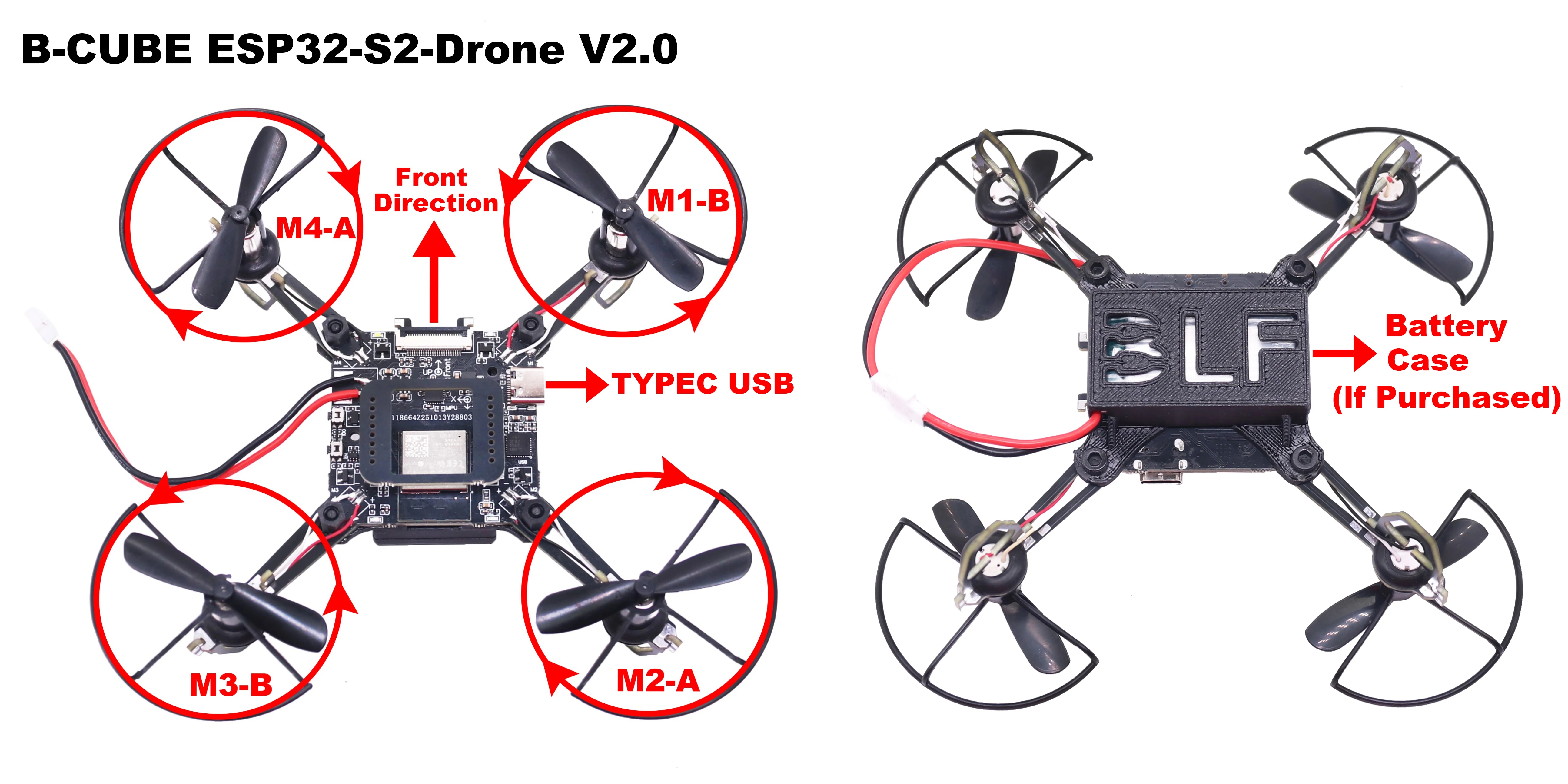
Please follow the steps below to assemble ESP32-S2-Drone V2.0.
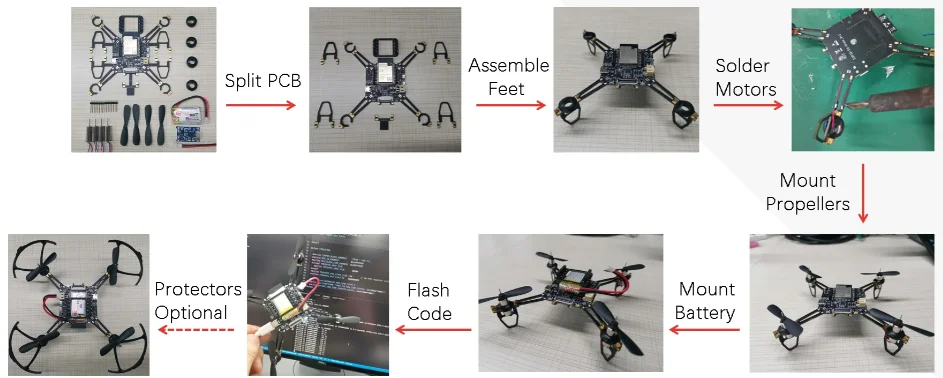
Propeller Direction
Install A and B propellers according to the figure below.
During the power-on self-test, check if the propellers spin properly.
If the motor rotates in the wrong direction, simply change the position of the motor wire.
Please note: The battery case is sold separately or included only with specific kits. If needed, please purchase it individually.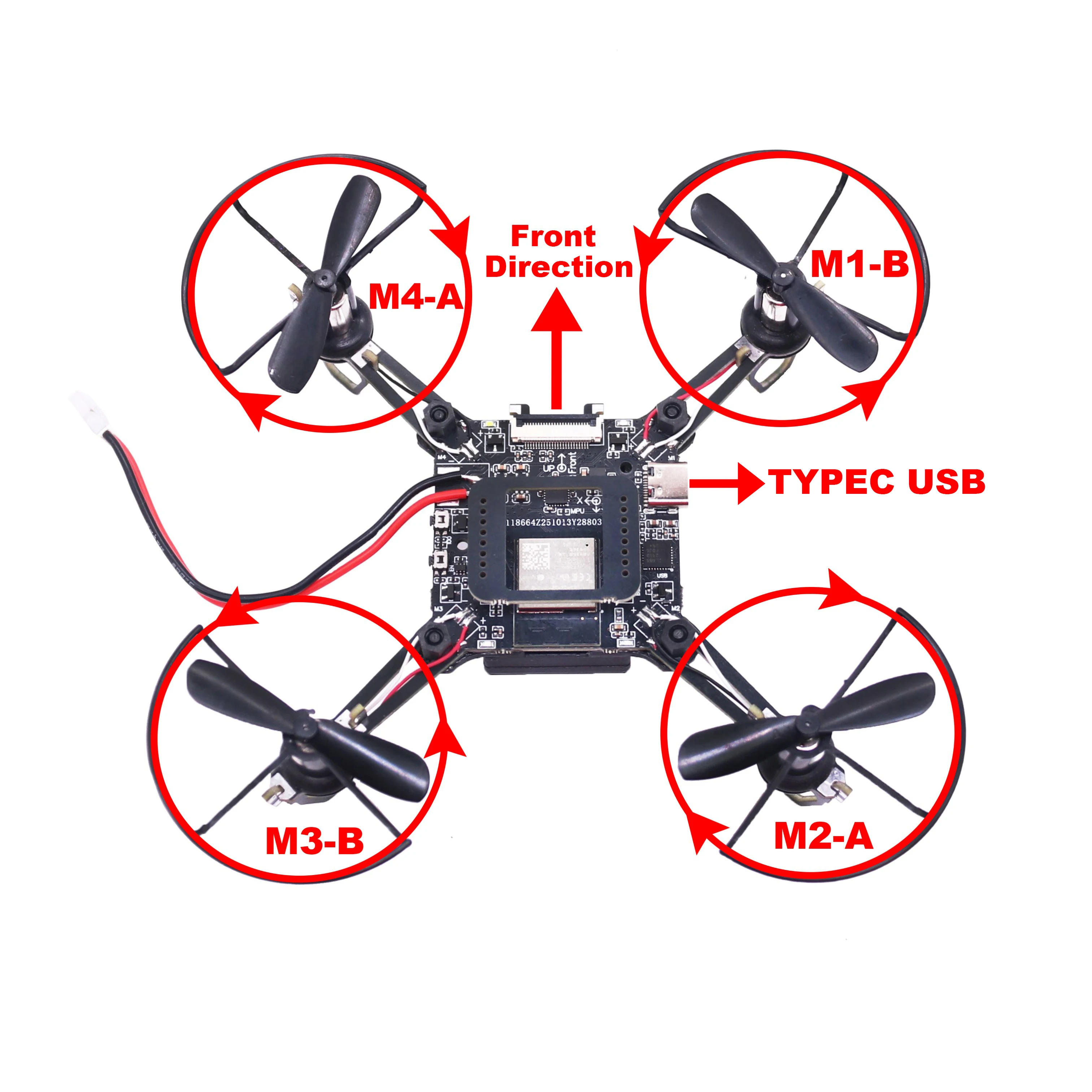
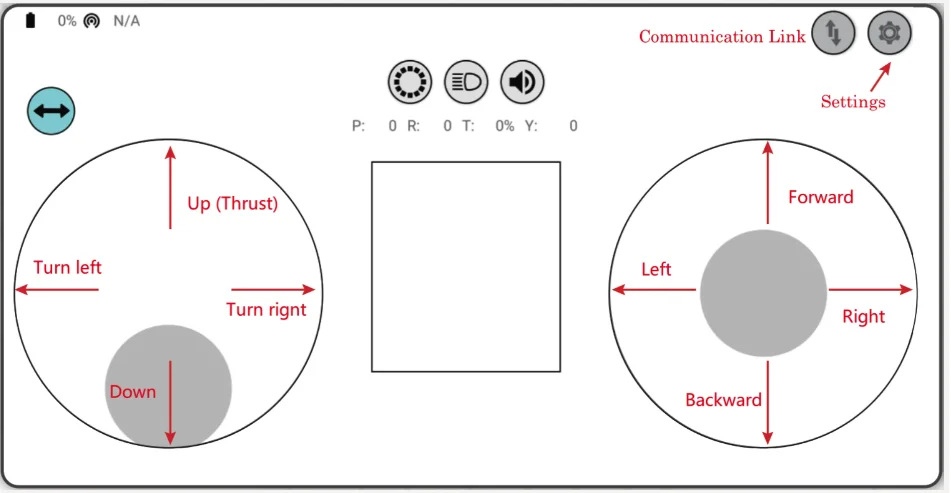
Flight Control
Click Connect” button/icon at your APP. When the connection is established successfully between your drone and APP, the LED on the drone blinks GREEN.
Slide Thrust” slightly to take off the drone.
Control the flight by moving your fingers on the APP.
Preflight Check
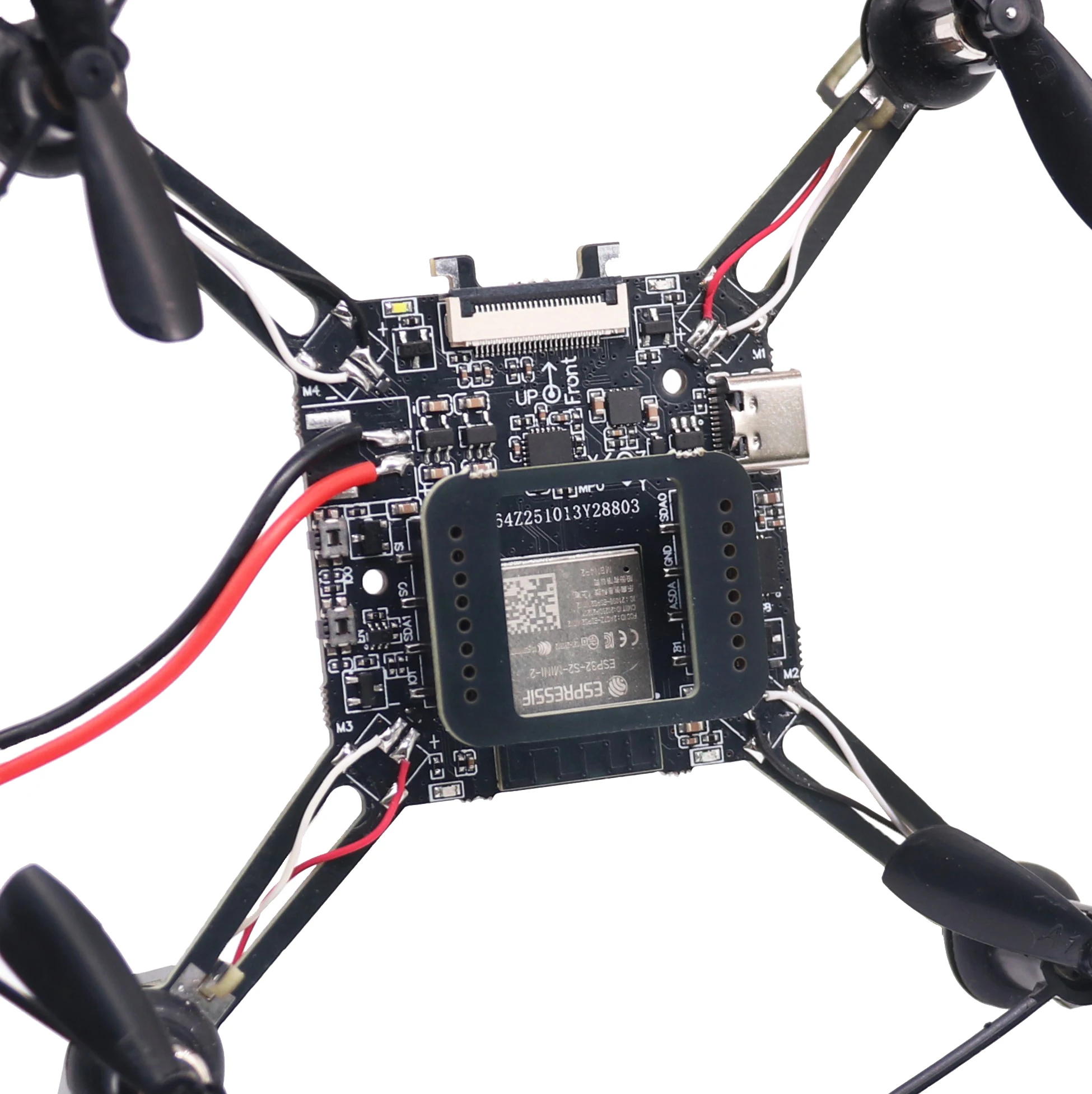
Place the drone with its head on the front, and its tail (i.e. the antenna part) at the back.
Place the drone on a level surface and power it up when the drone stays still.
Check on the cfclient if the drone is placed level.
After the communication is established, check if the LED at the drone tail blinks GREEN fast.
Check if the LED on the drone head blinks RED, which indicates battery LOW.
Slide forward the Trust controller slightly at the left side of your APP (i.e. the commands controlled by your left finger), to check if the drone can respond the command quickly.
Move your finger at the right command area of the APP (i.e. the commands controlled by your right finger), to check if the direction control works well.
Go fly and have fun!
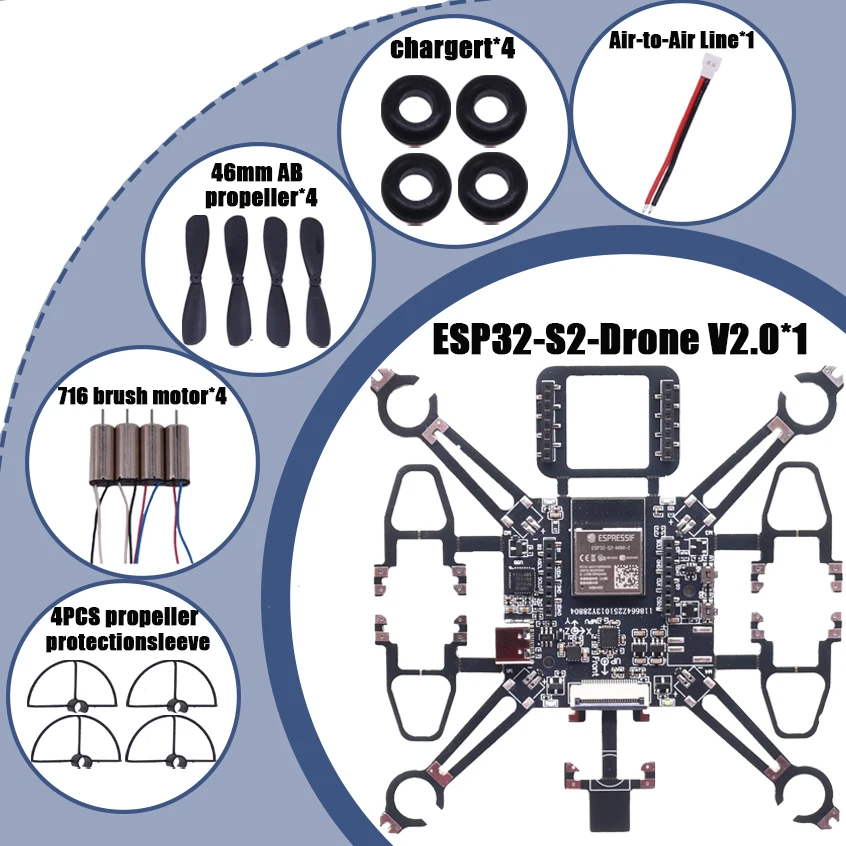
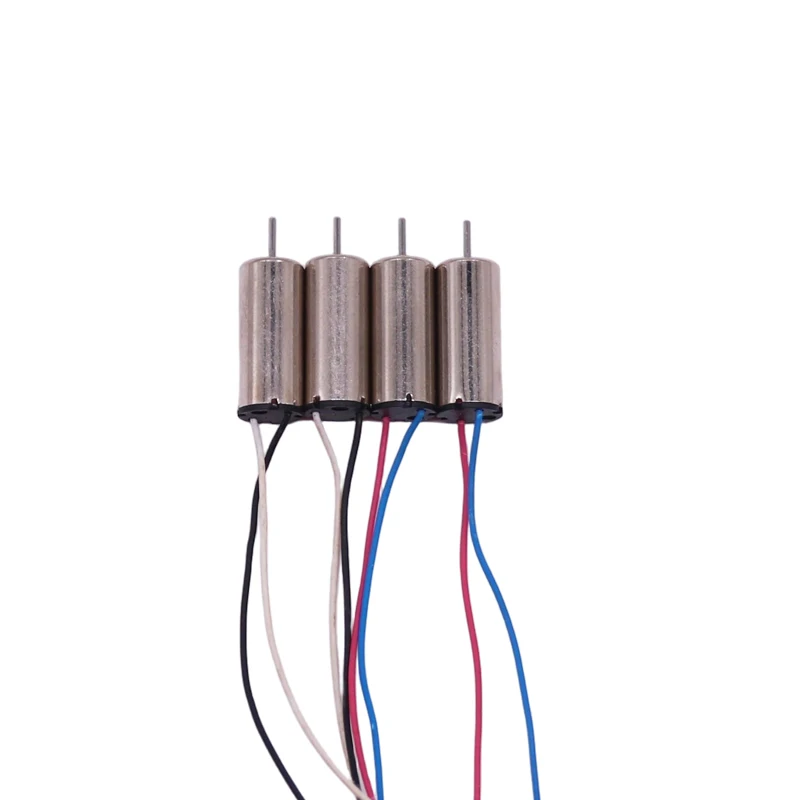
716 brush motor
46mm AB propeller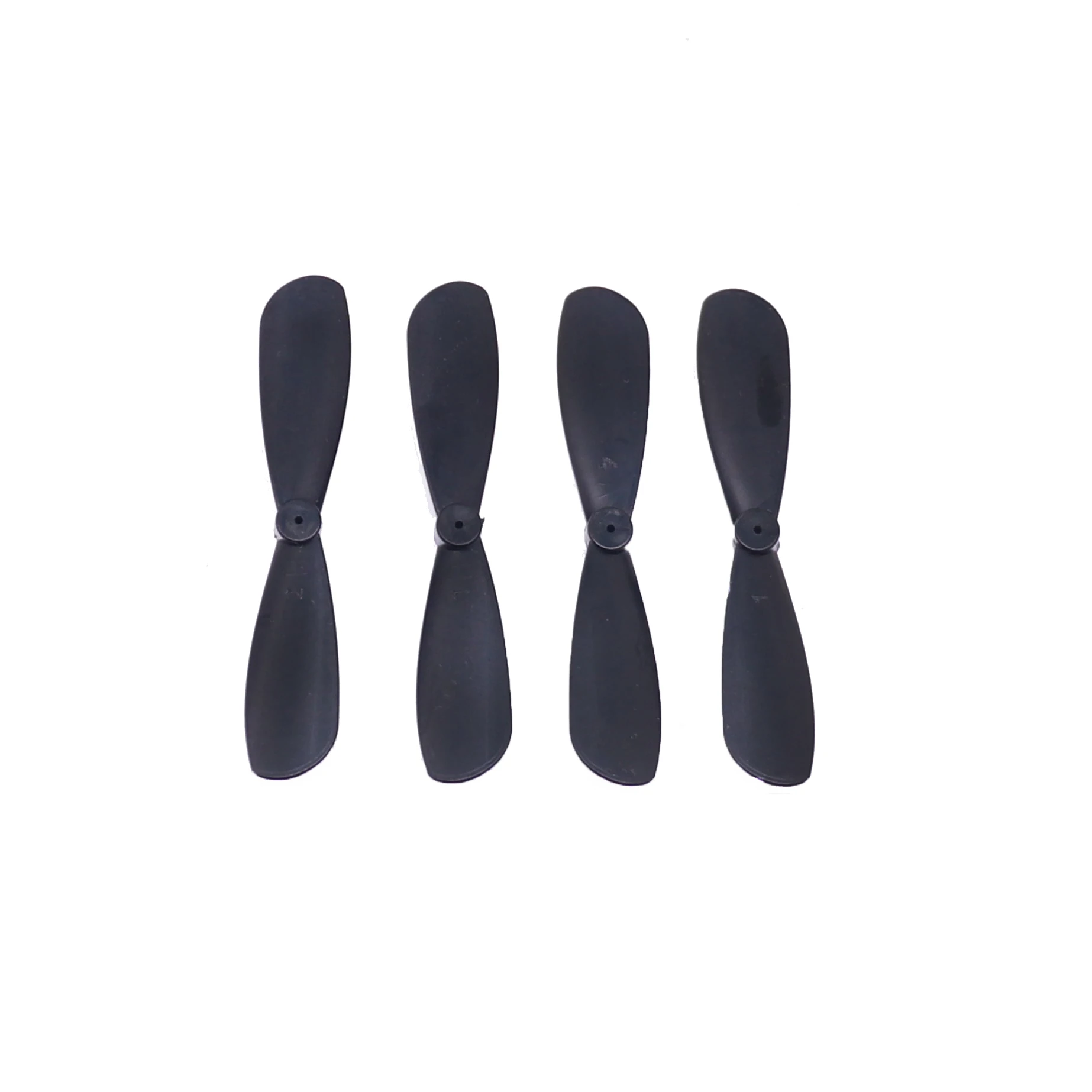
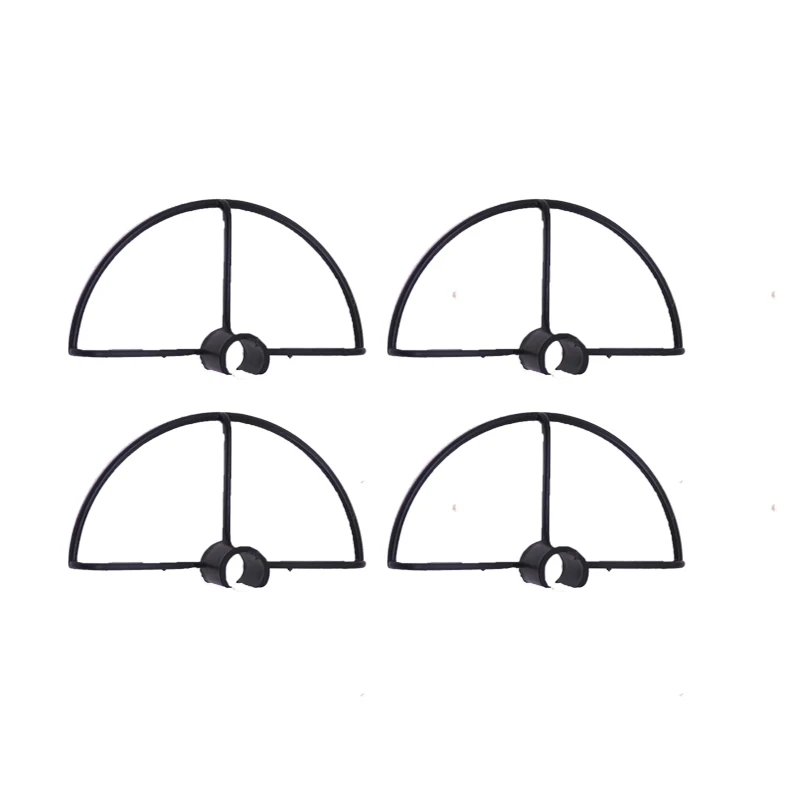
4PCS propeller protectionsleeve
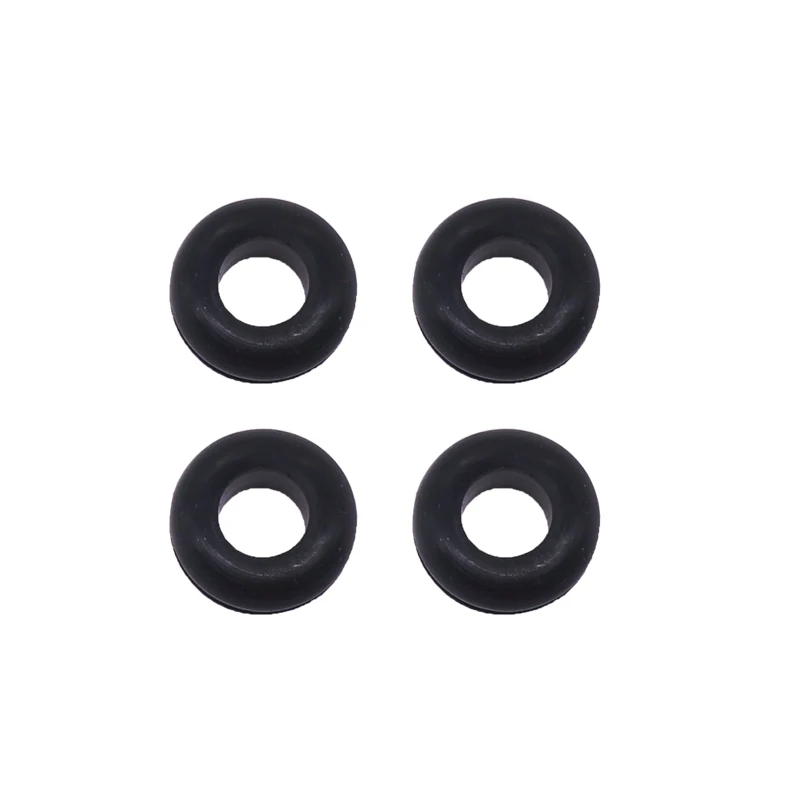
chargert*4
Battery Case*1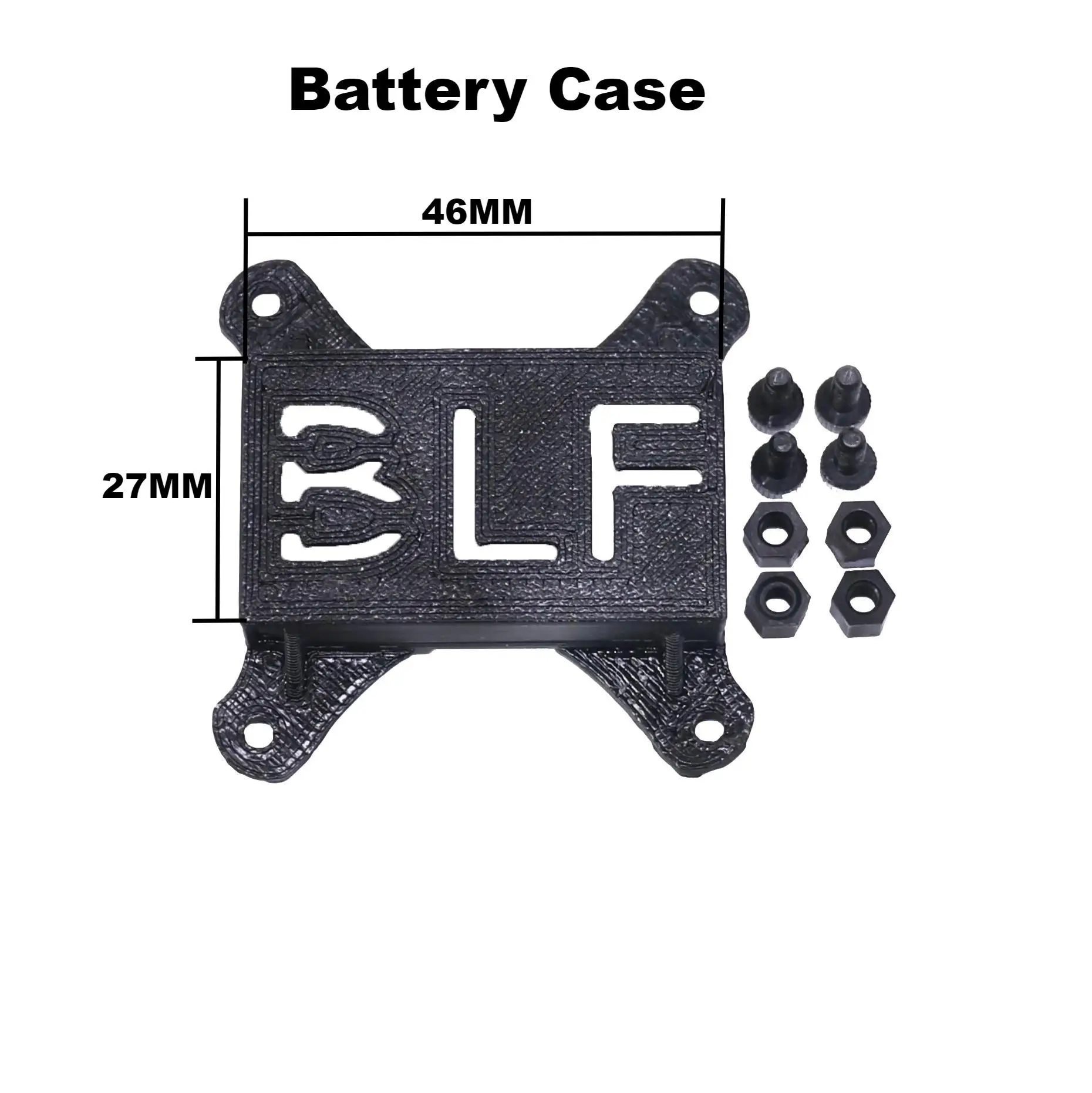
1S 3.7V 800MA battery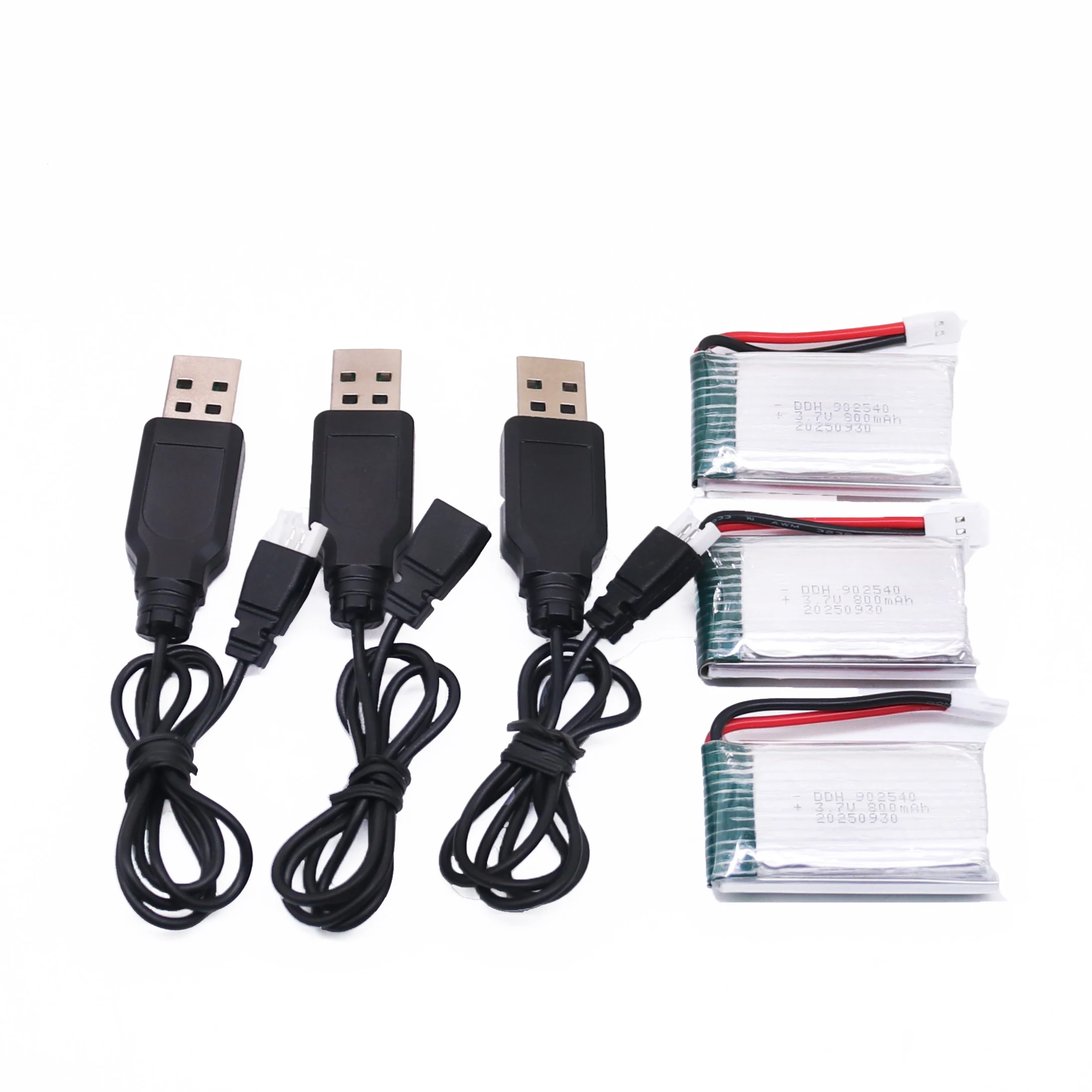
Air-to-Air Line*1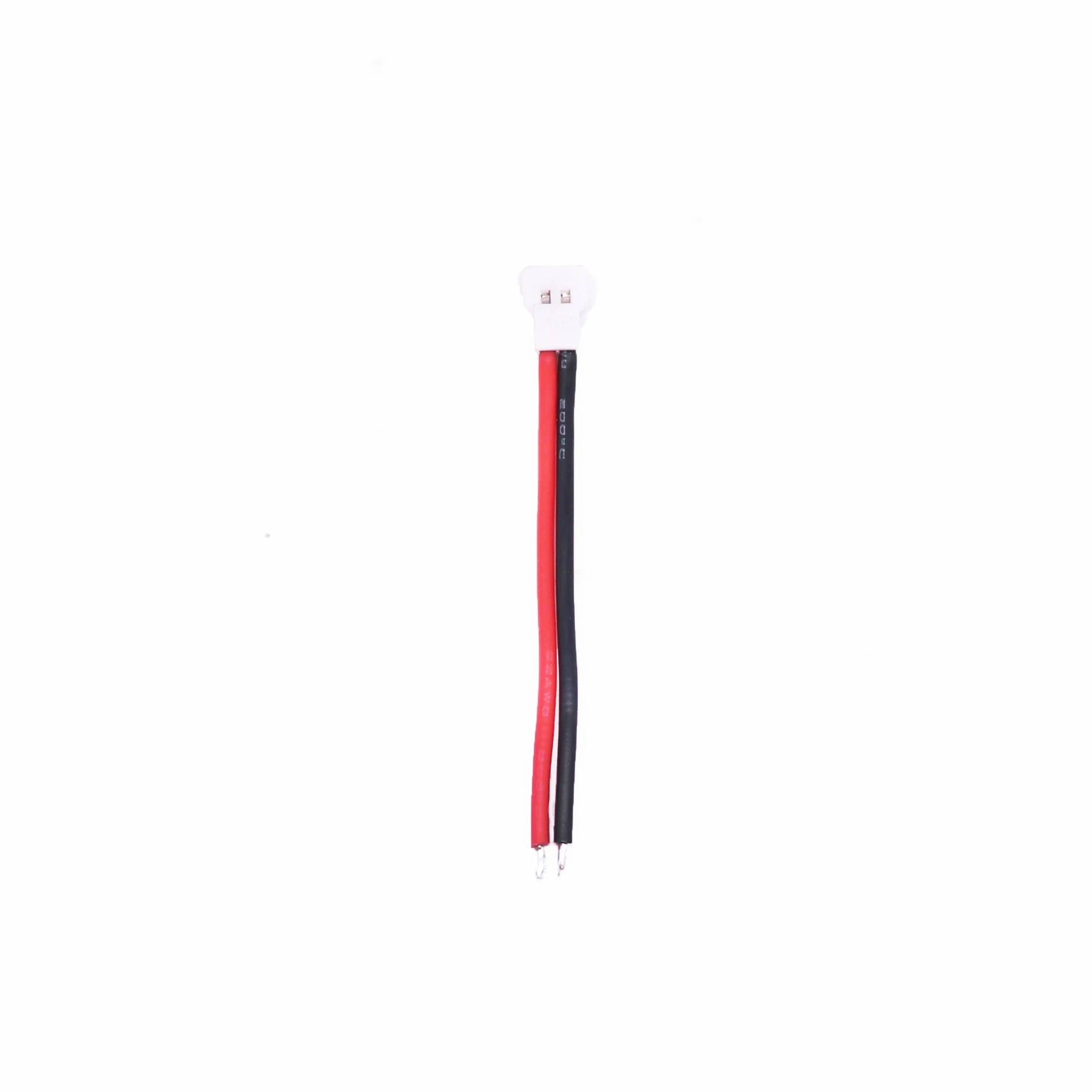
| Shipping | This item ships to |
| Delivery | Estimated between and . Will usually ship within 1 business day. |
Description
SPECIFICATIONS
Brand Name: rctosky
For Vehicle Type: Airplanes
Four-wheel Drive Attributes: Assemblage
High-concerned chemical: None
Is Batteries Included: No
Is Electric: No battery
Is it battery/power supply: N
Is it charger/adapter: N
Material: Composite Material
Model Number: ESP32-Drone V2.0
Origin: Mainland China
Quantity: 1 pcs
RC Parts & Accs: AXLE
Recommend Age: 14+y
Remote Control Peripherals/Devices: Remote Controller
Size: ESP32-Drone V2.0
Technical parameters: KV1100
Tool Supplies: Assembled class
Upgrade Parts/Accessories: Frame
Use: Vehicles & Remote Control Toys
Wheelbase: Bottom Plate
NOTE: Network hotspot: ESP-Drone_XXXXXX
Password: 12345678
Battery:1S 3.7V 300-800ma (The supply voltage cannot exceed 4.2V)
ESP-Drone is an open source drone solution based on Espressif ESP32-S2 Wi-Fi chip, which can be controlled over a Wi-Fi network using a mobile APP or gamepad. ESP-Drone supports multiple flight modes, including Stabilize mode, Height-hold mode, and Position-hold mode. With simple hardware, clear and extensible code architecture, ESP-Drone can be used in STEAM education and other fields. The main code is ported from Crazyflie open source project with GPL3.0 protocol.
We had upload the firmware for ESP32-S2-Drone V2.0, you no need to upload firmware, just install the motor and propeller correctly, then you can control the ESP32-S2-Drone with your mobile phone.Please read the instructions here,https://docs.espressif.com/projects/espressif-esp-drone/en/latest/gettingstarted.html#esp-drone-overview
Main Features ESP-Drone has the following
features:Hardware:ESP32-S2-Drone V2.0
Stabilize mode: keep the drone stable to achieve smooth flight.
Height-hold mode: control thrust output to keep the drone flying at a fixed height.
Position-hold mode: keep the drone flying at a fixed position.
PC debugging: use cfclient for static/dynamic debugging.
Controlled by APP: easily controlled over Wi-Fi by your mobile APP.
Controlled by gamepad: easily controlled via the gamepad by cfclient.
Please follow the steps below to assemble ESP32-S2-Drone V2.0.
Propeller Direction
Install A and B propellers according to the figure below.
During the power-on self-test, check if the propellers spin properly.
If the motor rotates in the wrong direction, simply change the position of the motor wire.
Please note: The battery case is sold separately or included only with specific kits. If needed, please purchase it individually.
Flight Control
Click Connect” button/icon at your APP. When the connection is established successfully between your drone and APP, the LED on the drone blinks GREEN.
Slide Thrust” slightly to take off the drone.
Control the flight by moving your fingers on the APP.
Preflight Check
Place the drone with its head on the front, and its tail (i.e. the antenna part) at the back.
Place the drone on a level surface and power it up when the drone stays still.
Check on the cfclient if the drone is placed level.
After the communication is established, check if the LED at the drone tail blinks GREEN fast.
Check if the LED on the drone head blinks RED, which indicates battery LOW.
Slide forward the Trust controller slightly at the left side of your APP (i.e. the commands controlled by your left finger), to check if the drone can respond the command quickly.
Move your finger at the right command area of the APP (i.e. the commands controlled by your right finger), to check if the direction control works well.
Go fly and have fun!
716 brush motor
46mm AB propeller
4PCS propeller protectionsleeve
chargert*4
Battery Case*1
1S 3.7V 800MA battery
Air-to-Air Line*1
Shipping
| Shipping | This item ships to |
| Delivery | Estimated between and . Will usually ship within 1 business day. |
Reviews


 0-18M Newborn Baby Walking Shoes for Boys Fashion Lefu Shoes, Leisure First Step Walker
Color/Baby Age


 0-18M Newborn Baby Walking Shoes for Boys Fashion Lefu Shoes, Leisure First Step Walker
Color/Baby Age
0-18M Newborn Baby Walking Shoes for Boys Fashion Lefu Shoes, Leisure First Step Walker
Color/Baby Age